
Table of Contents
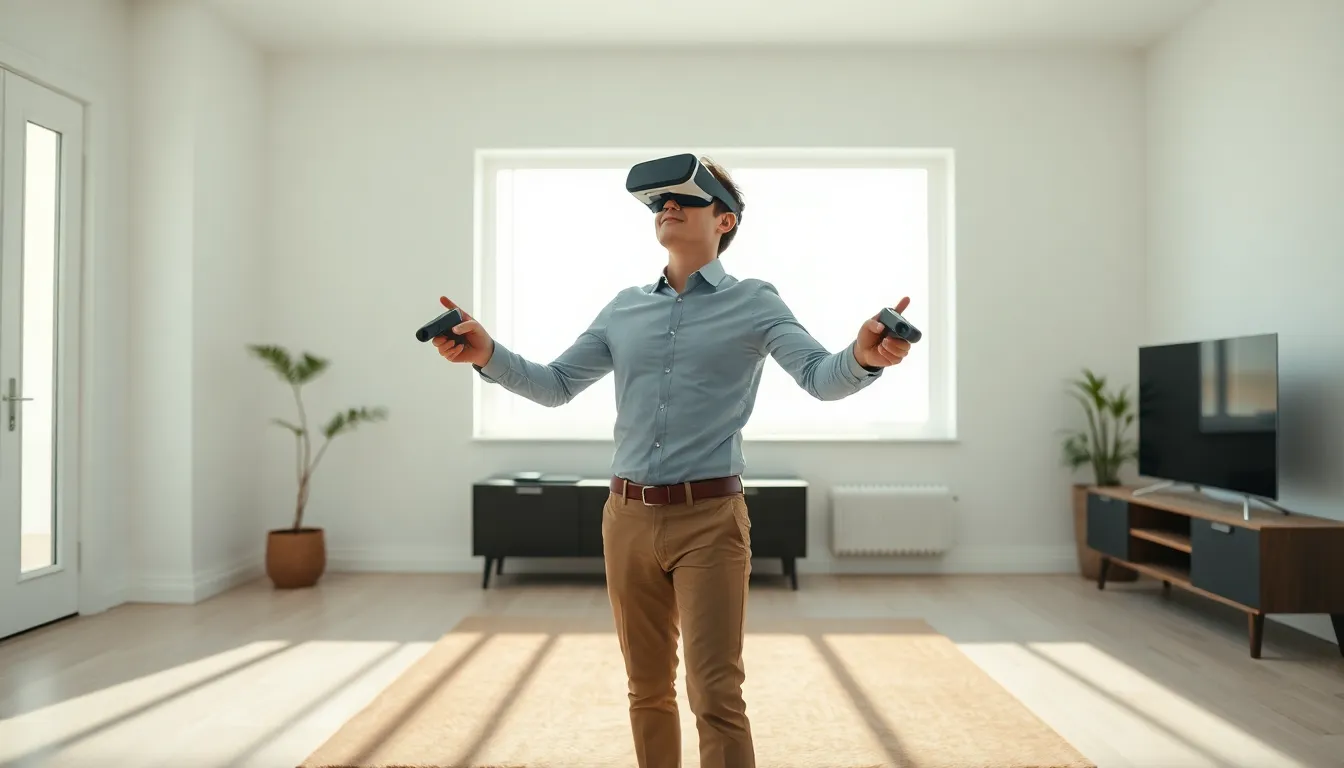
ToggleLearning how to virtual reality doesn’t require a tech degree or expensive equipment. Virtual reality has become accessible to everyday users, with options ranging from budget smartphone headsets to high-end gaming systems. The technology immerses users in digital environments through specialized headsets and controllers. This guide covers everything beginners need to know about virtual reality, from understanding the basic technology to setting up equipment and finding great content. Whether someone wants to game, travel virtually, or use VR for fitness, they’ll find practical steps to start their journey here.
Key Takeaways
- Learning how to virtual reality is accessible to everyone, with options ranging from $300 standalone headsets to high-end PC setups.
- Standalone headsets like the Meta Quest 3 offer the easiest entry point for beginners without requiring additional hardware.
- Set up a clear play space of at least 6.5 x 6.5 feet and use the guardian boundary system to prevent accidents.
- Virtual reality extends beyond gaming to fitness, social experiences, education, and creative applications.
- Prevent motion sickness by starting with stationary experiences and limiting initial sessions to 30-45 minutes.
- Maintain your VR equipment by cleaning lenses with microfiber cloths and storing headsets away from direct sunlight.
What Is Virtual Reality and How Does It Work?
Virtual reality creates computer-generated environments that users can explore and interact with. A VR headset displays stereoscopic images, slightly different views for each eye, that trick the brain into perceiving depth and three-dimensional space.
The technology relies on several key components working together:
- Display screens positioned inches from the eyes
- Lenses that focus and reshape the image
- Motion sensors that track head movements
- Audio systems that provide spatial sound
When users turn their heads, the sensors detect this movement and update the visual display in real time. This creates the sensation of actually being inside a different space. Modern VR systems achieve refresh rates of 90Hz or higher, meaning the image updates 90 times per second. This speed prevents motion sickness and maintains the illusion.
Some virtual reality systems also include hand controllers with their own tracking sensors. These let users grab objects, press buttons, and manipulate their virtual surroundings. Higher-end setups use external cameras or base stations to track full-body movement throughout a room.
The result? Users feel present in digital worlds rather than just watching them on a screen. This presence is what separates virtual reality from traditional gaming or video experiences.
Choosing the Right VR Headset for Your Needs
Selecting a virtual reality headset depends on budget, intended use, and available hardware. The market offers three main categories:
Standalone Headsets
Standalone devices like the Meta Quest 3 contain all necessary computing power inside the headset itself. They don’t need a PC or gaming console. These headsets offer the easiest entry point for virtual reality beginners. Prices typically range from $300 to $500. The tradeoff is slightly lower graphical fidelity compared to PC-connected options.
PC-Connected Headsets
Devices like the Valve Index or HP Reverb G2 connect to powerful gaming PCs. They deliver superior visual quality and access to the largest library of VR games. But, users need a capable computer, expect to spend $1,000 or more on PC hardware alone. These setups suit serious gamers and enthusiasts.
Console-Based Options
Sony’s PlayStation VR2 works exclusively with the PlayStation 5. It provides a middle ground between standalone simplicity and PC-level graphics. Console owners who already have the hardware can add virtual reality for around $550.
Key specifications to compare:
| Feature | Budget Range | Mid-Range | High-End |
|---|---|---|---|
| Resolution per eye | 1440×1440 | 1832×1920 | 2160×2160 |
| Refresh rate | 72Hz | 90Hz | 120Hz+ |
| Field of view | 90° | 100° | 130° |
First-time users often find standalone headsets provide the best balance of cost, convenience, and capability for learning how to virtual reality effectively.
Setting Up Your VR Space and Equipment
Proper setup prevents accidents and improves the virtual reality experience. Start by choosing a play area with enough room to move safely.
Space requirements:
- Minimum: 6.5 feet x 6.5 feet for standing experiences
- Recommended: 10 feet x 10 feet for room-scale VR
- Ceiling height: At least 7 feet to avoid hitting lights or fans
Clear the area of furniture, pets, and anything breakable. Coffee tables are the most common casualty of enthusiastic VR users. Consider laying down a small rug or mat in the center, feet can feel the edge and know when they’re wandering too far.
Most virtual reality headsets include a guardian or boundary system. During initial setup, users trace the edges of their play space with a controller. The headset then displays a virtual wall whenever someone approaches these limits.
Hardware setup steps:
- Charge the headset and controllers fully before first use
- Download the companion app on a smartphone
- Create an account with the headset manufacturer
- Follow on-screen instructions to pair devices
- Adjust the head strap for a snug but comfortable fit
- Set the interpupillary distance (IPD) to match eye spacing
The IPD adjustment matters more than many beginners realize. Incorrect settings cause eye strain and blurry visuals. Most headsets include a physical slider or software setting to dial this in.
Keep a fan running in the room, virtual reality sessions generate heat, and airflow prevents the headset from fogging up.
Exploring VR Content and Applications
Virtual reality offers far more than gaming. The technology serves entertainment, education, fitness, and professional applications.
Gaming
Games remain the most popular use for VR headsets. Titles like Beat Saber, Half-Life: Alyx, and Resident Evil 4 VR showcase what the medium can do. These experiences feel fundamentally different from playing on a flat screen. Players physically duck behind cover, swing weapons with their arms, and look around corners by leaning.
Fitness and Exercise
Virtual reality transforms workouts into engaging experiences. Supernatural and FitXR offer boxing and fitness routines set in beautiful virtual environments. Users burn 400-600 calories per hour without feeling like they’re exercising. The immersion makes time pass quickly.
Social Experiences
VRChat, Rec Room, and Horizon Worlds let users meet others in virtual spaces. People attend concerts, play games together, and hang out in creative environments. These platforms have developed active communities.
Education and Training
Medical students practice surgeries in VR. Pilots train in virtual cockpits. History enthusiasts explore ancient Rome. The technology provides hands-on learning without real-world consequences or costs.
Creative Tools
Applications like Tilt Brush and Gravity Sketch let artists create three-dimensional artwork by painting in space. Architects walk through buildings before construction begins.
Where to find virtual reality content:
- Meta Quest Store (standalone headsets)
- Steam VR (PC headsets)
- PlayStation Store (PSVR2)
- App Lab (experimental Quest apps)
Start with free demos and experiences before purchasing. Most platforms offer trial periods or refund policies for VR content.
Tips for a Better Virtual Reality Experience
These practical suggestions help users get the most from their virtual reality sessions.
Prevent motion sickness:
Motion sickness affects many VR beginners. The brain receives conflicting signals when virtual movement doesn’t match physical sensation. Start with stationary experiences and gradually work up to games with locomotion. Ginger candy or wristbands help some users. Stop immediately if nausea develops, pushing through makes it worse.
Take regular breaks:
VR sessions should last 30-45 minutes initially. Extended use causes eye strain and fatigue. The “20-20-20 rule” applies: every 20 minutes, look at something 20 feet away for 20 seconds.
Maintain equipment:
- Clean lenses with microfiber cloths only
- Store headsets away from direct sunlight (lenses can focus light and damage screens)
- Replace face cushions periodically for hygiene
- Keep controllers charged
Optimize performance:
Close background applications on connected PCs. Ensure Wi-Fi connections remain stable for streaming content. Update firmware regularly, manufacturers frequently improve tracking and fix bugs.
Share safely:
When introducing others to virtual reality, choose calm experiences first. First Steps (Meta Quest) or similar tutorials work well. Never push someone into intense content, negative first impressions can permanently discourage interest.
Consider accessories:
- Elite straps improve comfort during long sessions
- Prescription lens inserts help glasses wearers
- Controller grips prevent accidental drops
- External battery packs extend play time
Virtual reality improves with practice. Users often feel clumsy initially but develop intuitive skills within a few sessions.


